
High Performance, with sound
Stream your Mac’s desktop video and audio on a compatible Mac and a fast network. Follow the work as it happens.
Your Mac, right here. Control it from iPhone or iPad, with High Performance video, Mac audio and a desktop that fits your iPad window on a fast network.
Available on the App Store · iOS 26.5 or later
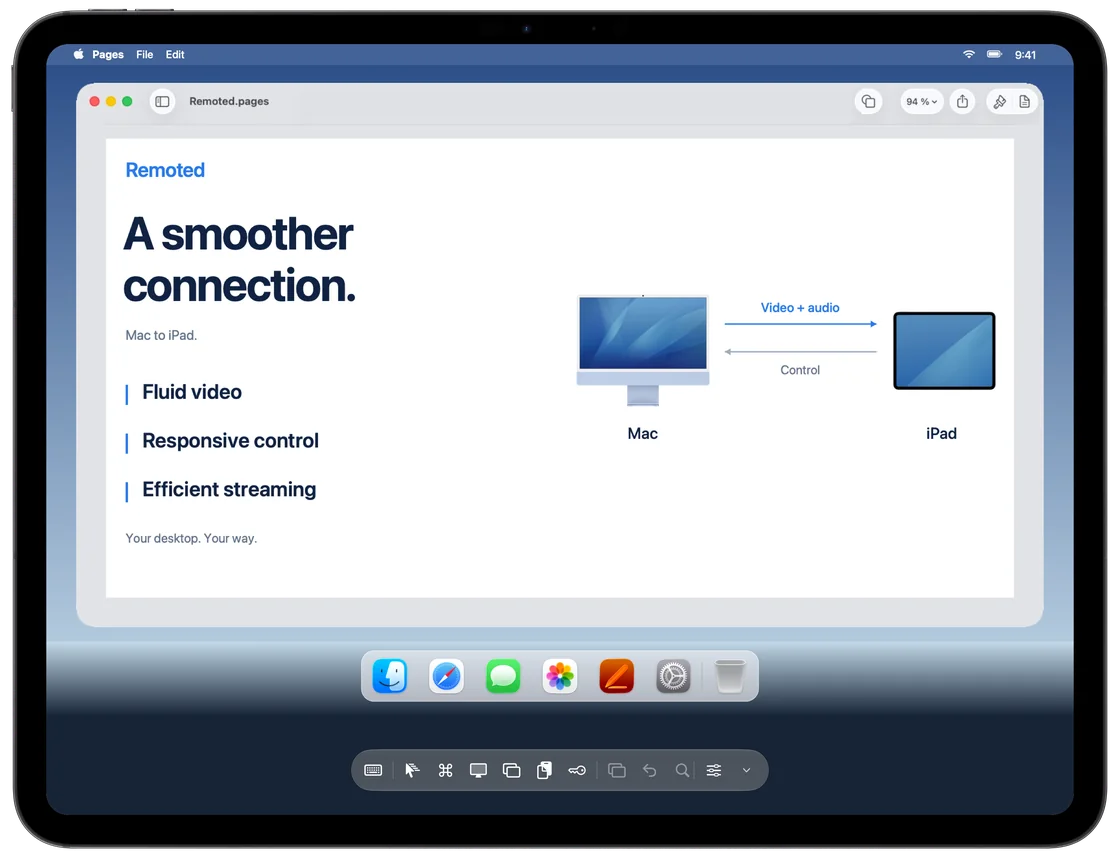
Built to keep up
Stream your Mac’s desktop video and audio on a compatible Mac and a fast network. Follow the work as it happens.
With one virtual display, your desktop resolution can adapt as you resize the iPad window.
Switch between direct touch and trackpad gestures. Zoom into the details, use shortcuts or connect a keyboard, mouse or trackpad.
High Performance requires a compatible Mac and a fast network. Automatic desktop resizing uses one virtual display.
A closer look
Hear playback from your Mac in supported High Performance sessions, from a video edit to the next review.
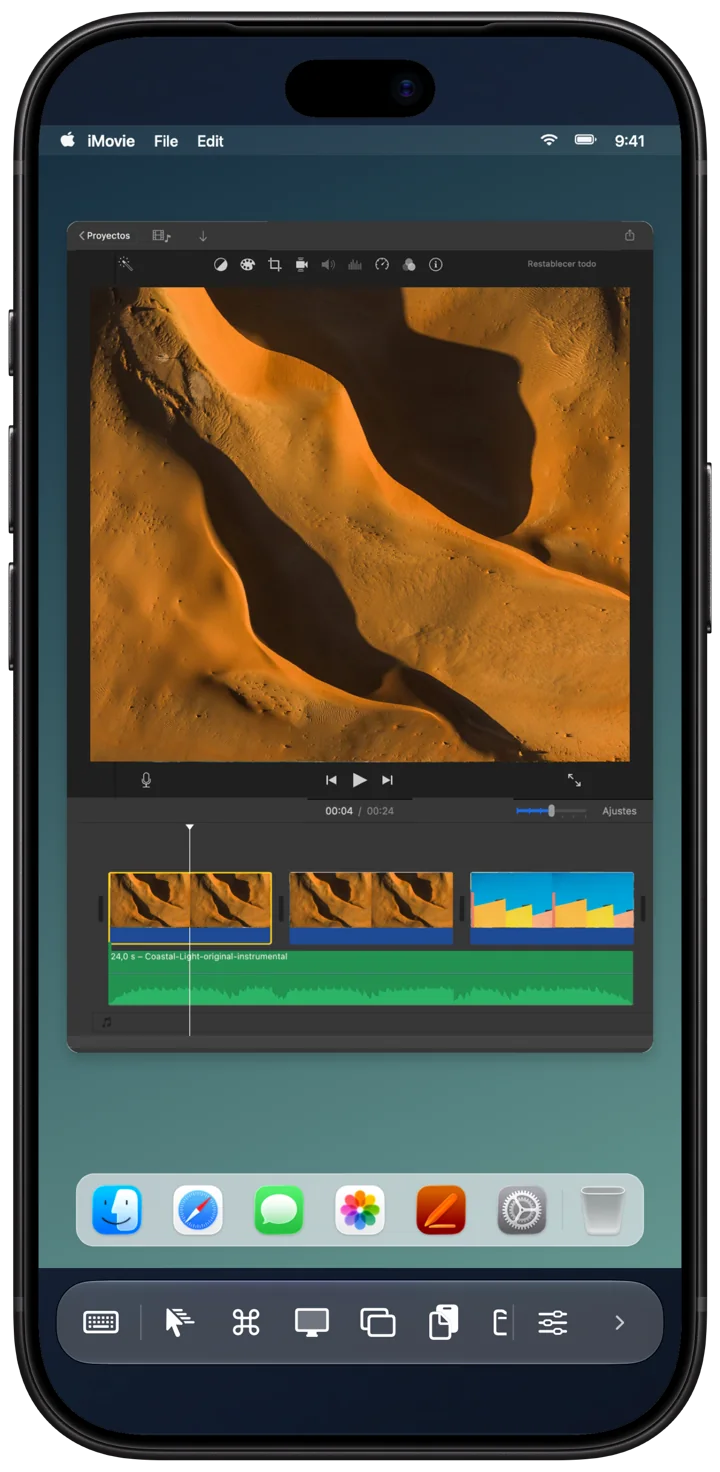
Get closer with pinch to zoom, trackpad-style gestures and the controls you need within reach.
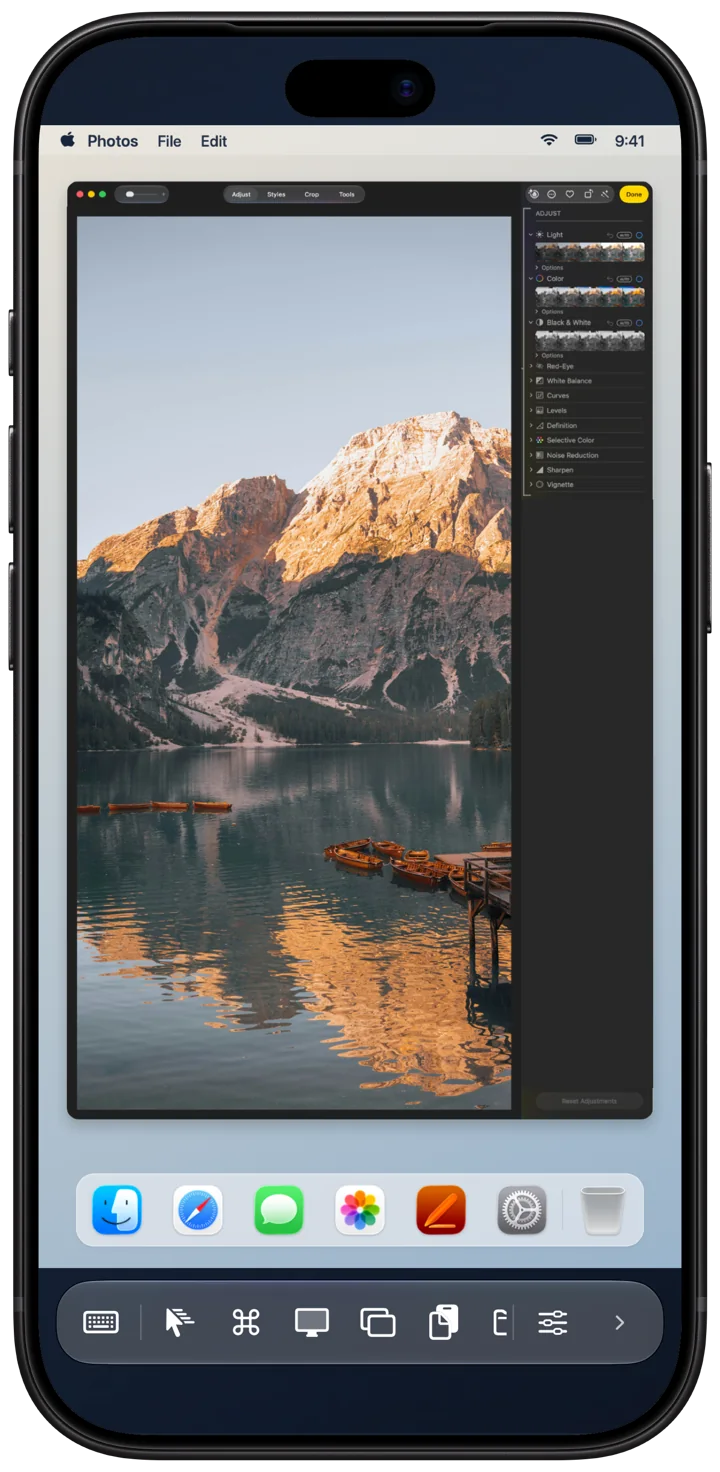
App Store campaign screenshots. Example workspaces are illustrative.
Privacy
No Remoted account. No advertising. Your saved computer library stays on your device, and your passwords are never part of it.
Read our privacy policyYes. Download Remoted on the App Store using the button above. You need an iPhone or iPad running iOS or iPadOS 26.5 or later.
An iPhone or iPad running iOS or iPadOS 26.5 or later, and a Mac configured for compatible screen sharing. Available controls depend on the host and connection mode.
No extra Mac app is needed. Enable the Mac’s built-in Screen Sharing and allow the account you will use. High Performance needs a compatible Mac and a fast network.
No hosted relay or cloud account service is included. Your device needs a network route to the computer. Use a trusted local network or a VPN you control.
Open the setup guide or email remoted.dev@gmail.com. Include the app version, device and OS, connection mode, and steps to reproduce. Never send passwords or private desktop content.
Discovering and organizing Macs is free. Connections require Remoted Complete: monthly, annual or lifetime. Prices and trial eligibility are shown in the app before purchase.