SNES setup
Set up Snes9x on Mac for remote play
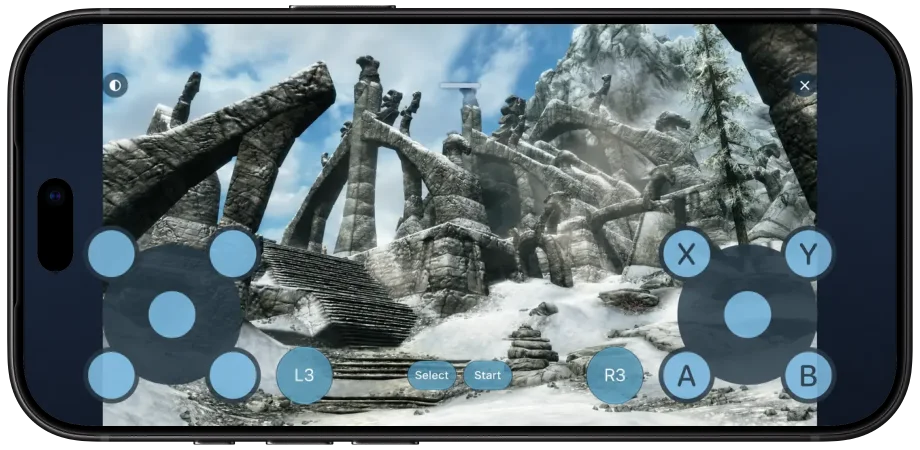
Install the official Mac release, configure Player 1 and connect through Remoted Link. Once your game is running on your Mac, pair a compatible gamepad with your iPhone and use Remoted to try playing from your phone.
NES or SNES? Start with the right system
- NES means Nintendo Entertainment System: the console behind Super Mario Bros., The Legend of Zelda and Metroid.
- SNES means Super Nintendo Entertainment System: the console behind Super Mario World, The Legend of Zelda: A Link to the Past and Super Metroid.
Snes9x emulates SNES. NES games need a different emulator. These titles identify the consoles; games are not included with Snes9x or Remoted.
1. Download the official Mac release
- Under Assets, choose Snes9x-1.63-Mac.zip. The Source code archives are for compiling the app yourself.
- Unzip the download, move Snes9x.app to Applications, then open it. The inspected Mac release contains both Intel and Apple silicon builds.
2. Open your game on the Mac
Use a homebrew game or other software you have permission to run. This guide does not provide game downloads.
- Choose File → Open… (⌘O) and select the SNES game file. Check that it starts on the Mac before setting up remote controls.
- For an initial keyboard check, use the arrow keys for directions, Space for Start and Return for Select.
3. Connect through Remoted Link
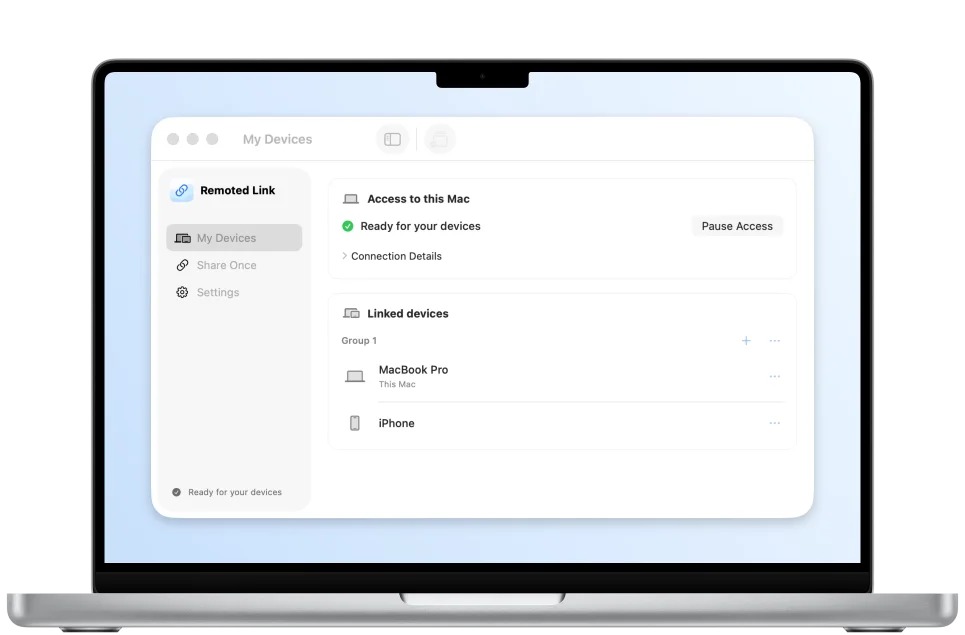
Remote controller forwarding requires compatible Remoted 1.2.1 and Link builds. Follow the gamepad guide to enable controller support on the Mac. Pair the physical controller to your iPhone or iPad, connect through Link, then select the forwarded device in Snes9x. Touch controls use the same Link setup.
4. Configure Player 1
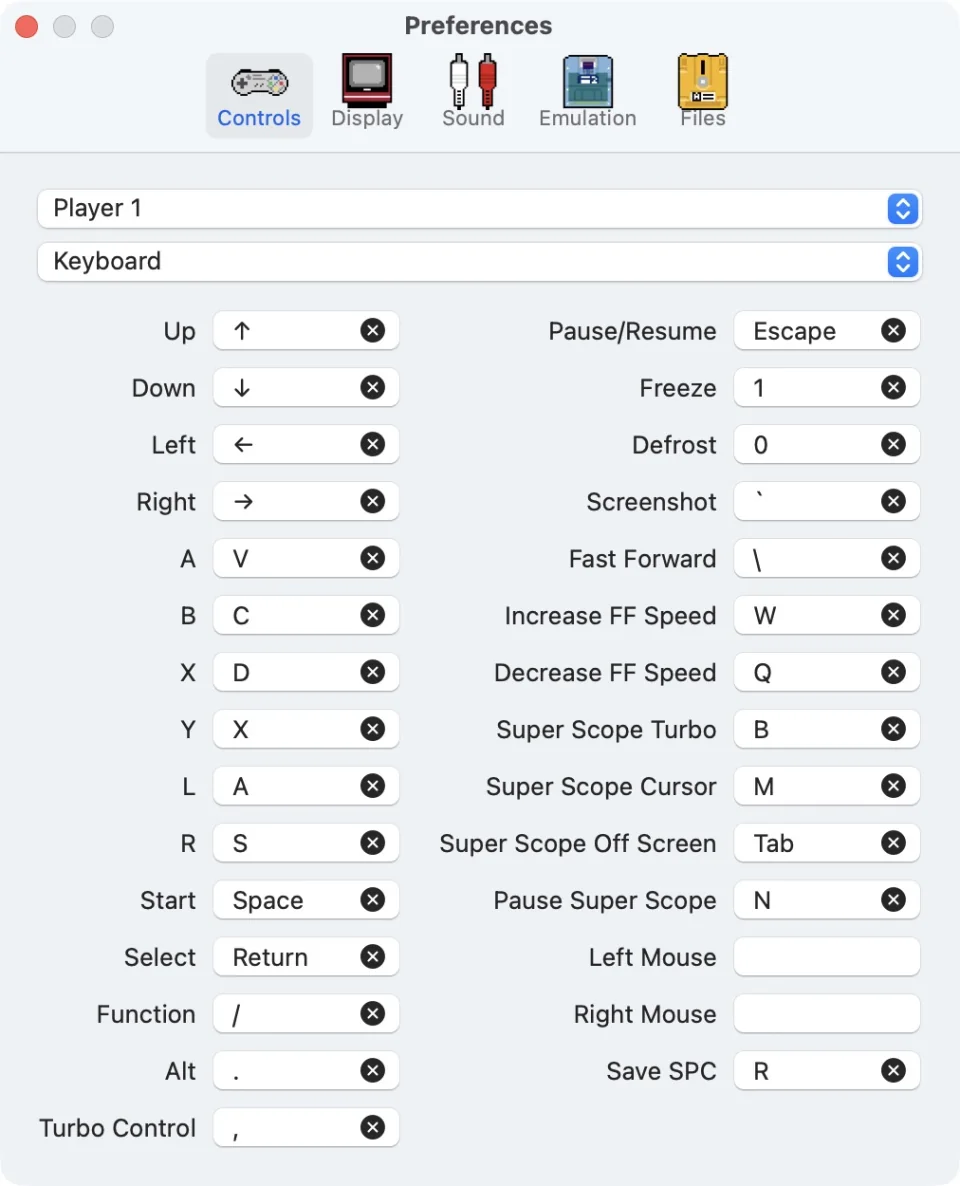
- Open Snes9x → Preferences… → Controls (⌘,). Select Player 1, then choose the controller in the device menu. The screenshot shows its default Keyboard selection.
- Click each input field and press the button or direction you want to assign. Map directions, A/B/X/Y, L/R, Start and Select. Match actions and positions; modern controller letter labels can differ from SNES.
- Choose Emulation → Controls → Gamepads, return to the game and check the assigned inputs.
If the picture works but the buttons do not
- Use the existing Mac desktop. Private High Performance virtual-display sessions do not provide this controller path.
- If the controller is missing from Snes9x, establish the Remoted connection first, then quit and reopen Snes9x so its device list is rebuilt.
- Check Player 1 bindings and test input in the game.