
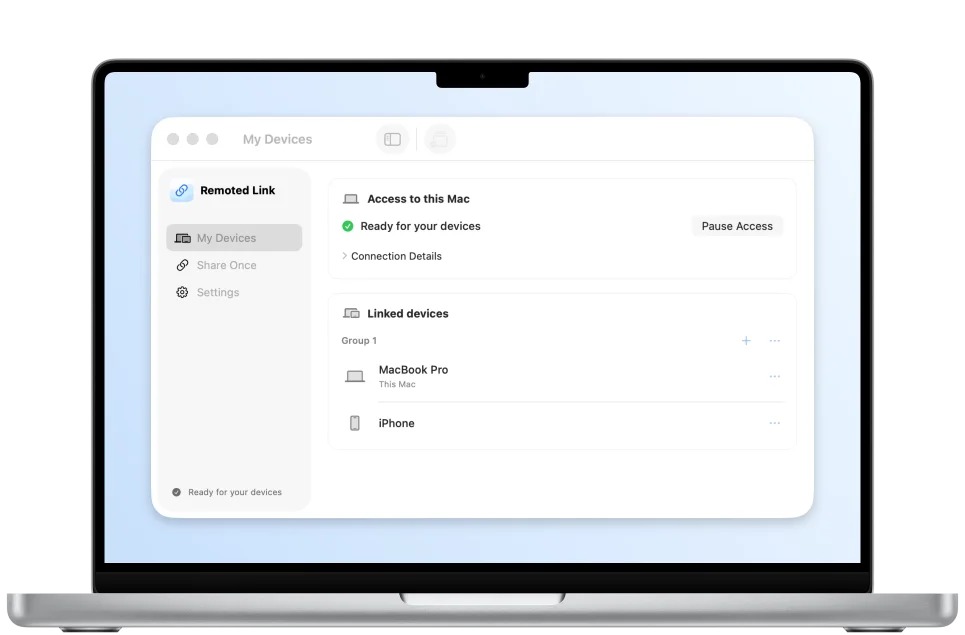
Connect from anywhere
Install Remoted Link on your Mac and connect over the internet.
Download and setupMade for iPhone & iPad
Explore what Remoted brings to iPhone and iPad, from your first connection to the work you do every day.
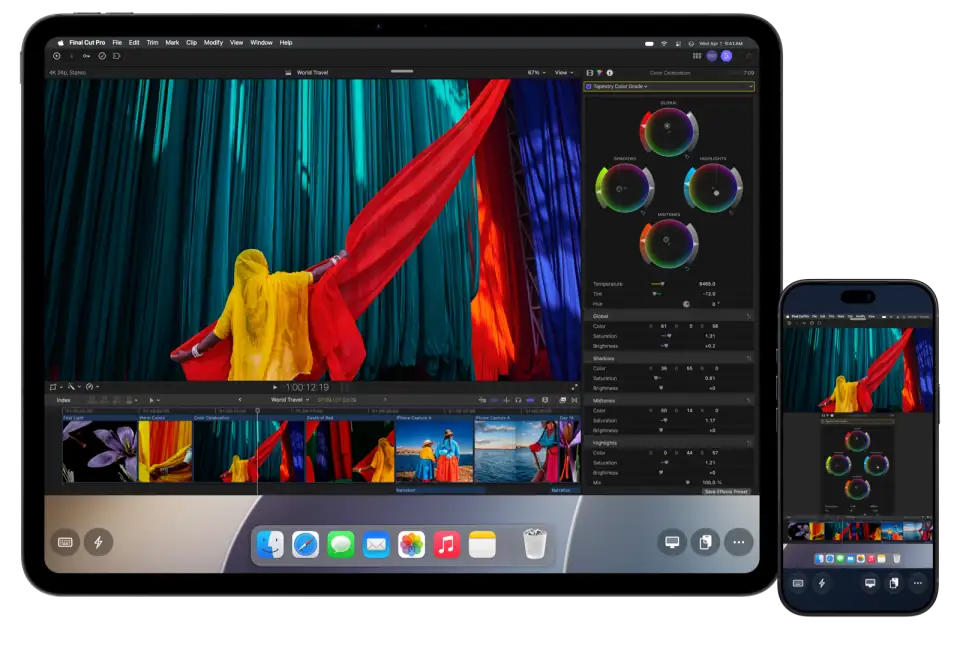
Install Remoted Link on your Mac and connect over the internet.
Download and setup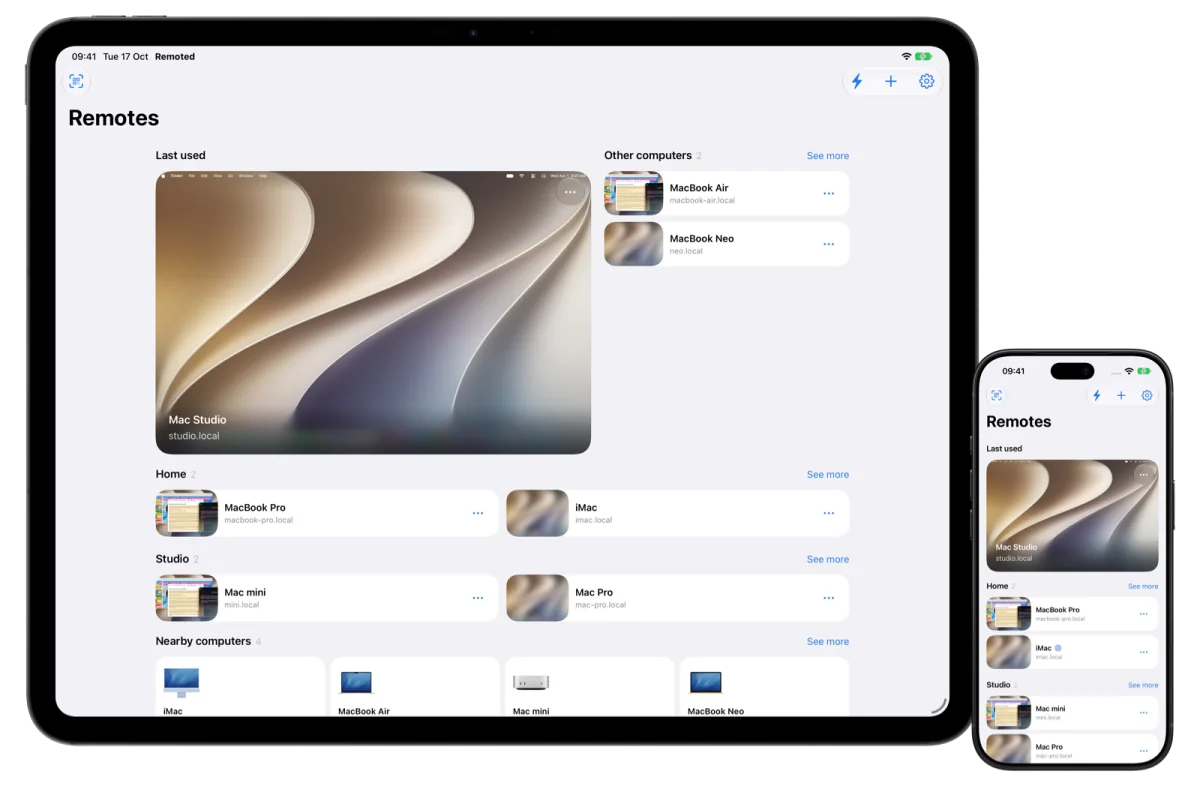
Save computers, discover nearby Macs and organise them into groups. Browsing and organisation are free.
Read the guide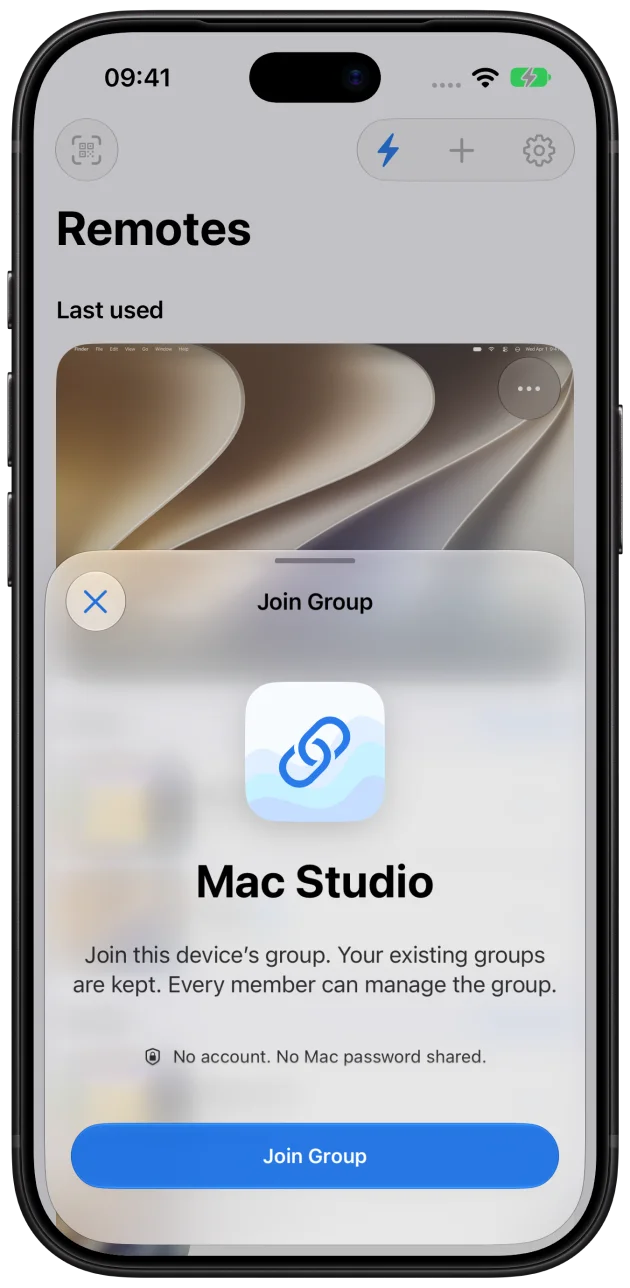
Link uses encrypted direct connections or an encrypted relay. You decide which devices can connect. No Remoted account needed.
Security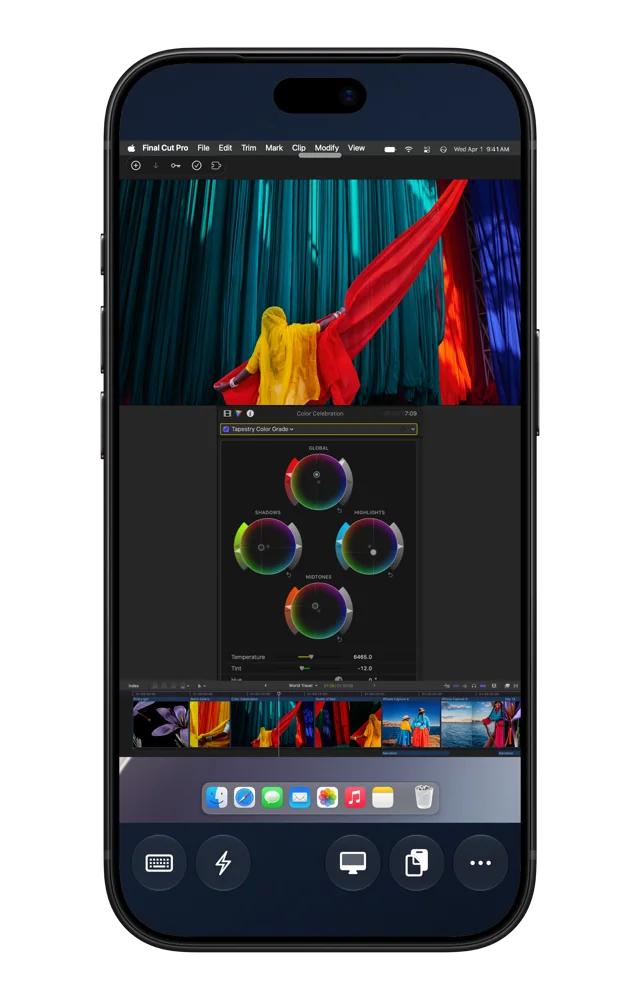
Standard VNC included. High Performance on compatible Macs.
Use multiple displays and Retina detail. With one High Performance virtual display, your desktop can adapt to your iPad window.
Read the guide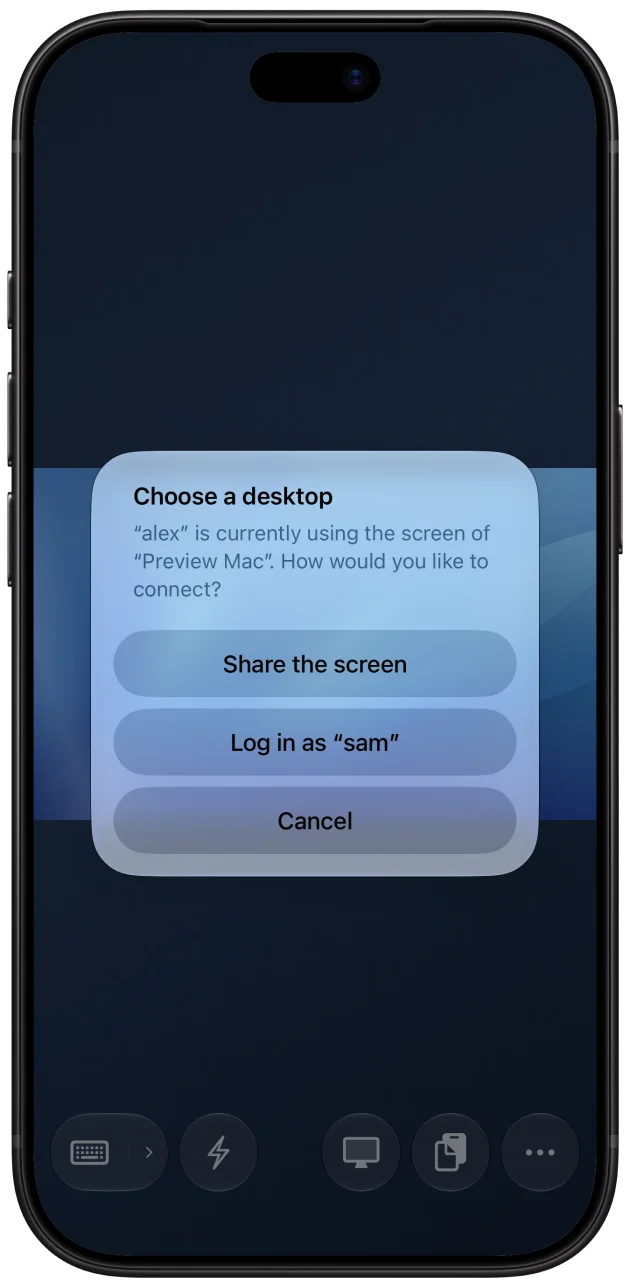
A separate workspace when your Mac offers one.
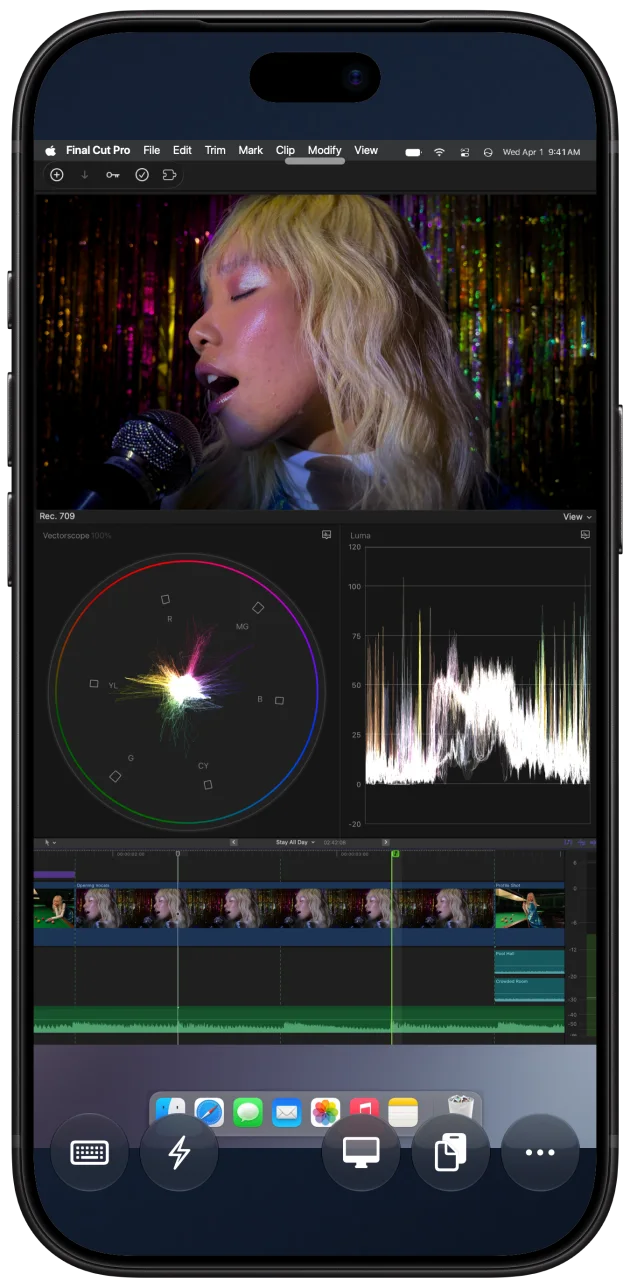
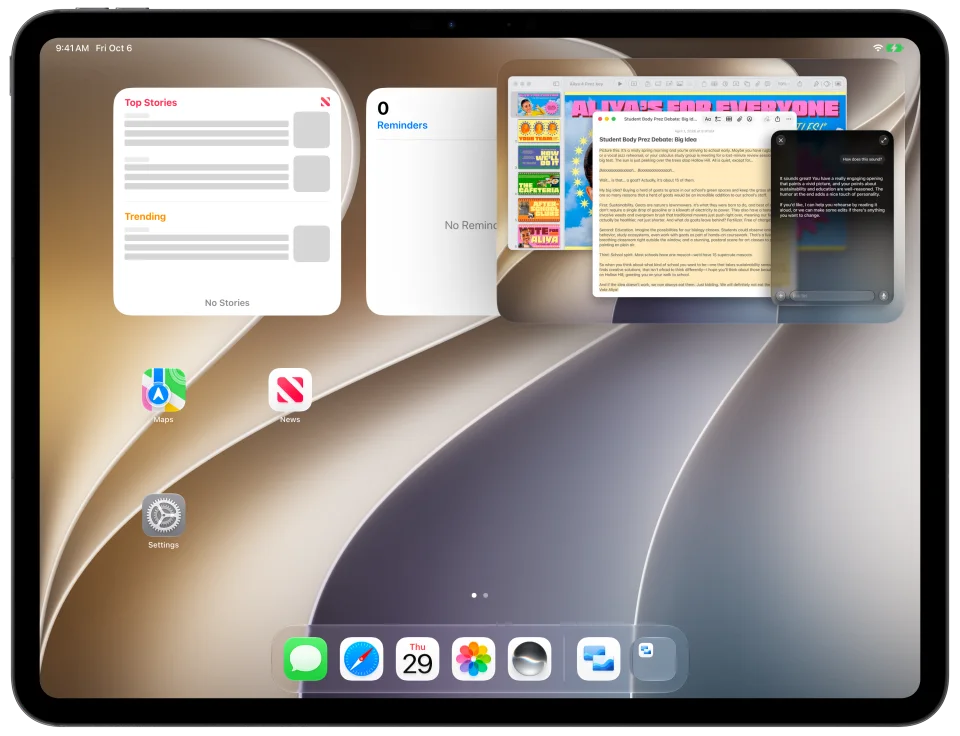
Picture in Picture in High Performance.
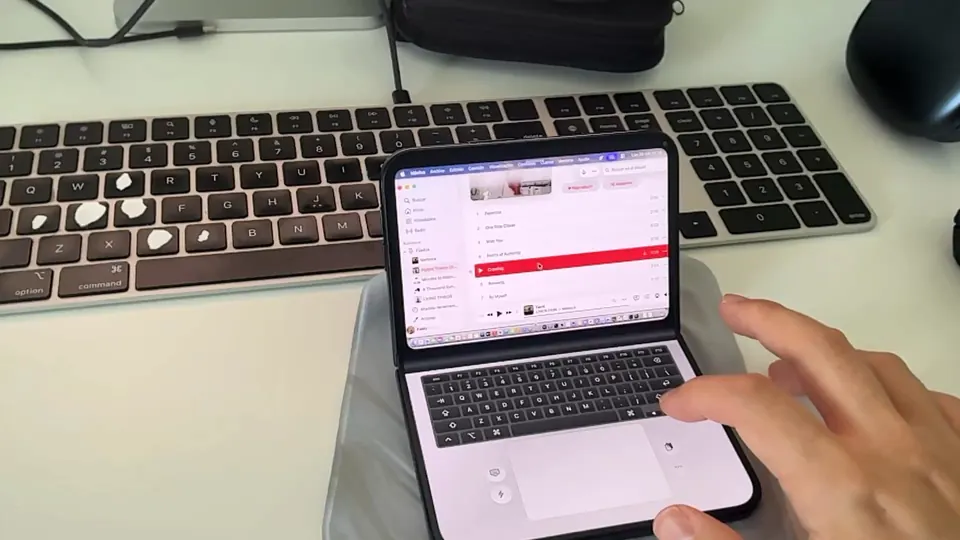
Your Mac above. A keyboard and trackpad below. Laptop Mode makes room for more on iPhone Duo.
Explore Duo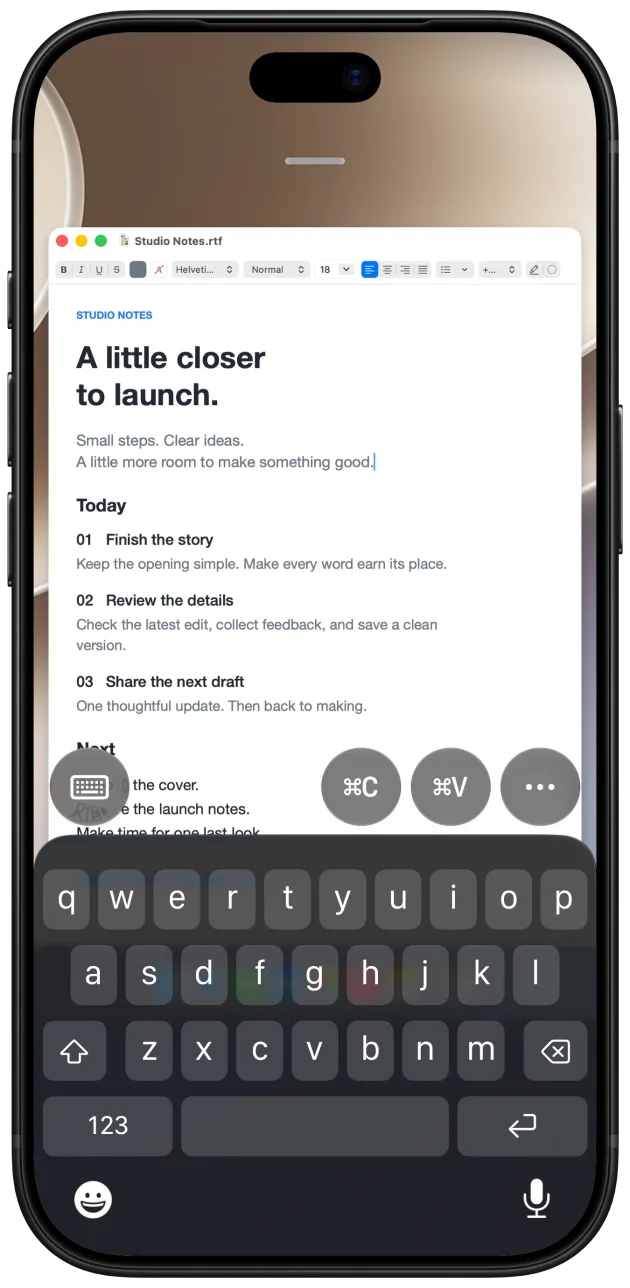
Touch gestures, on-screen keys and your own mouse, trackpad or keyboard.
Touch the Mac app where it appears on your iPad. Tap, drag and use two-finger gestures in supported apps for an experience like using a touchscreen MacBook Pro.
Read the guideKeep Undo, Paste and app switching close at hand. Save your everyday actions for each Mac.
Build a reusable action from keyboard shortcuts, text and short waits. Make repetitive work easier on each Mac.
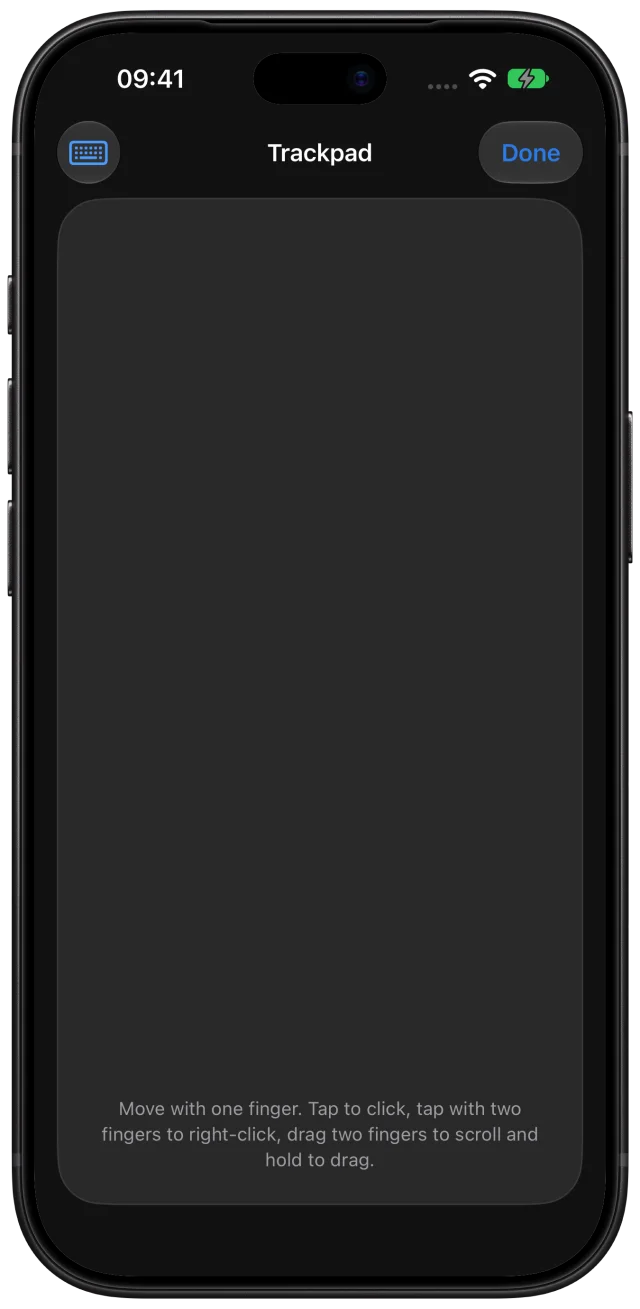
Use your iPhone as a trackpad and keyboard for an open Remoted session on iPad, with approval on the receiving device.
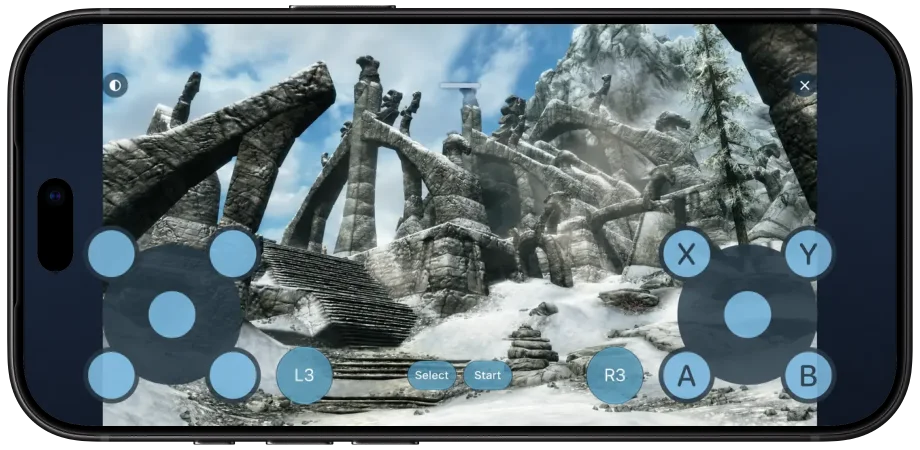
Connect a controller or use touch controls. Requires compatible Link and Mac controller setup; game support varies.
Virtual gamepad illustration: Remoted controls combined with a Skyrim screenshot. English controls.
Read the guideRemoted
Feature availability depends on your devices, Mac and connection mode.
High Performance, audio, private desktops and Picture in Picture require a compatible Mac. Transfers require host support.
High Performance requires a compatible Mac and a fast network. Automatic desktop resizing uses one virtual display.
Remoted Link · macOS 26 or later · Apple silicon and Intel · Signed and notarized
App scenes use illustrative workspaces.

Connections require Remoted Complete.